
Phoenix Display
Status: Mac app · App Store in review
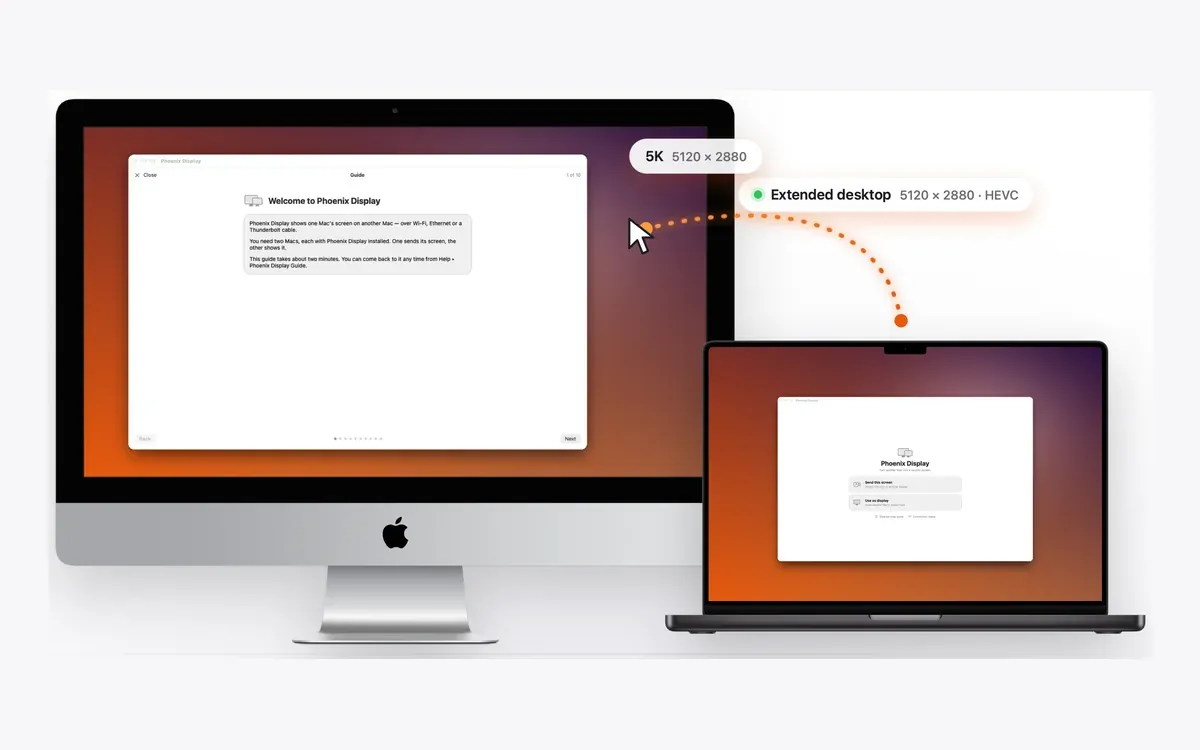
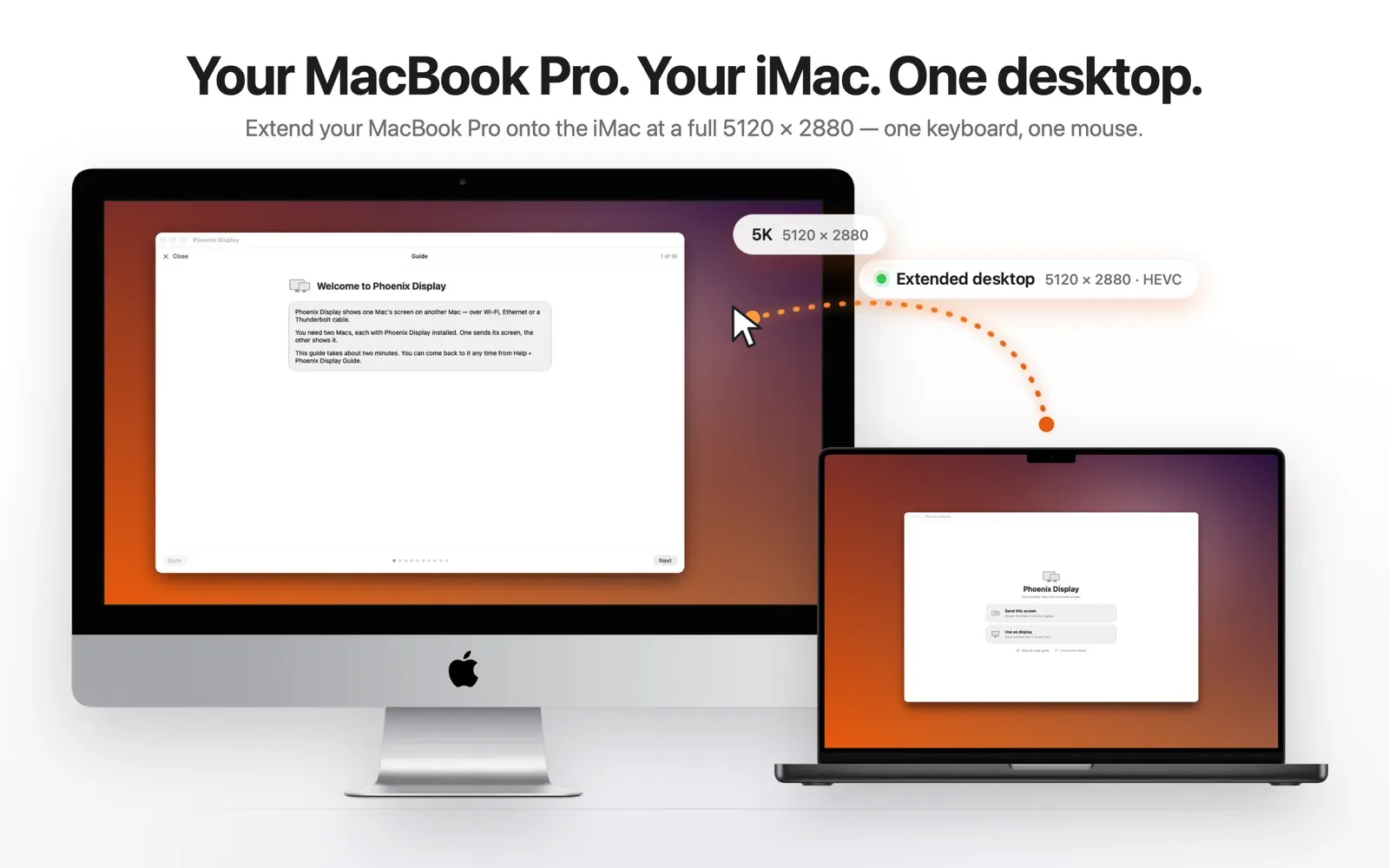
Phoenix Display turns another Mac into a second screen for this one, over Wi-Fi, Ethernet or a Thunderbolt cable. It streams a real 5120 × 2880 picture with HEVC when both Macs can handle it, and falls back to H.264 when they cannot.
- 5120 × 2880 over HEVC
- macOS 13 and later
- No account, nothing collected
In pictures
Why it exists
AirPlay to Mac needs an iMac from 2019 or later: a 2017 iMac cannot be an AirPlay receiver at all, even though it decodes 5K HEVC in hardware. Phoenix Display gives that screen a second life. The receiving Mac tells the sender what it can decode; the sender picks the codec and the size. It probes rather than assumes.
What it does
- Real 5120 × 2880, not upscaled: H.264 hardware encoding stops at 4096 × 2304, HEVC does not, so it uses HEVC and says so.
- Tells you if the link can carry it: live link speed per interface, judged on peak not average. Options your cable cannot carry are dimmed.
- Wi-Fi, Ethernet or Thunderbolt, recognised and pinnable. Thunderbolt 3 and 4 told apart by negotiated rate; Automatic shows which route it actually chose.
- Runs from the menu bar with no window at all. Universal app (Apple silicon and Intel).
Mirror or extend
The Mac App Store version mirrors your screen onto the other Mac.
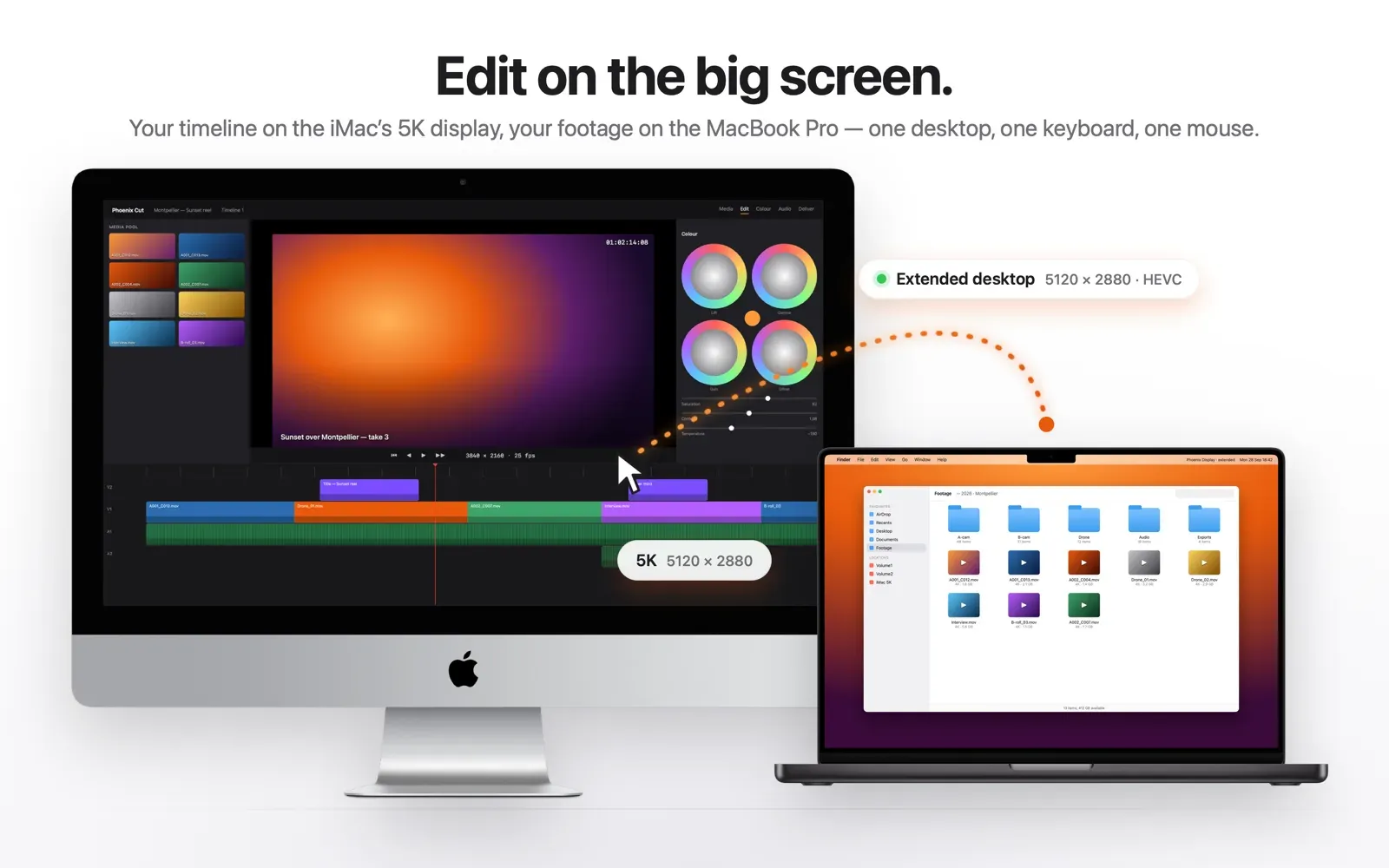
The signed and notarized direct version can also extend: it creates a genuine second desktop you can drag windows onto, placed left, right, above or below, and can make it the main display. Extend mode uses a private macOS API, which the App Store does not allow, so it is not in the store version.
Measured, not claimed
- Test suite run across two real Macs: 19 of 19 passed.
- Burn test: 72 of 72 connect, negotiate, stream and disconnect cycles, HEVC at 5120 × 2880 on every 5K iMac profile, the right H.264 fallback on the others.
- No crash, no memory leak, no display left registered, no socket leaked across the run.
Honest about the limits
- Not for fast pointer work: a streamed screen has compression latency. Good for reference, documentation, chat and monitoring, not a cabled monitor.
- The 5K extended desktop runs at 1×: pixel-perfect, but interface elements are physically small.
- macOS 13 minimum, so iMacs from 2017 and later only.
- It needs two Macs, each with Phoenix Display installed, and Screen Recording permission on the sending Mac.
Stack
Swift, ScreenCaptureKit, VideoToolbox
Privacy
Last updated 5 June 2026
Phoenix Display collects no personal data: no account, no sign-up, no analytics, no tracking, no advertising, no third parties. We run no servers.
To show your screen, the sending Mac captures it (with your macOS Screen Recording permission), compresses it into a standard video stream and sends it directly to the receiving Mac over your own local network (Wi-Fi, Ethernet or Thunderbolt). The image is held in memory only long enough to display the next frame. Phoenix Display does not record, save, log or upload your screen.
To find your other Mac it uses Apple’s standard local-network discovery (Bonjour), which stays on your network. Permissions: Screen Recording (to capture the screen) and Local Network (to find and connect to your other Mac). You can revoke them at any time in System Settings; that simply stops the stream.
Phoenix Display is rated 4+ and collects no data from anyone, including children.
Support
Questions, bugs or feedback? Write to us: please say which Macs you use (model and year) and how they are connected.
Write to contact@dcreations.fr · Contact us